
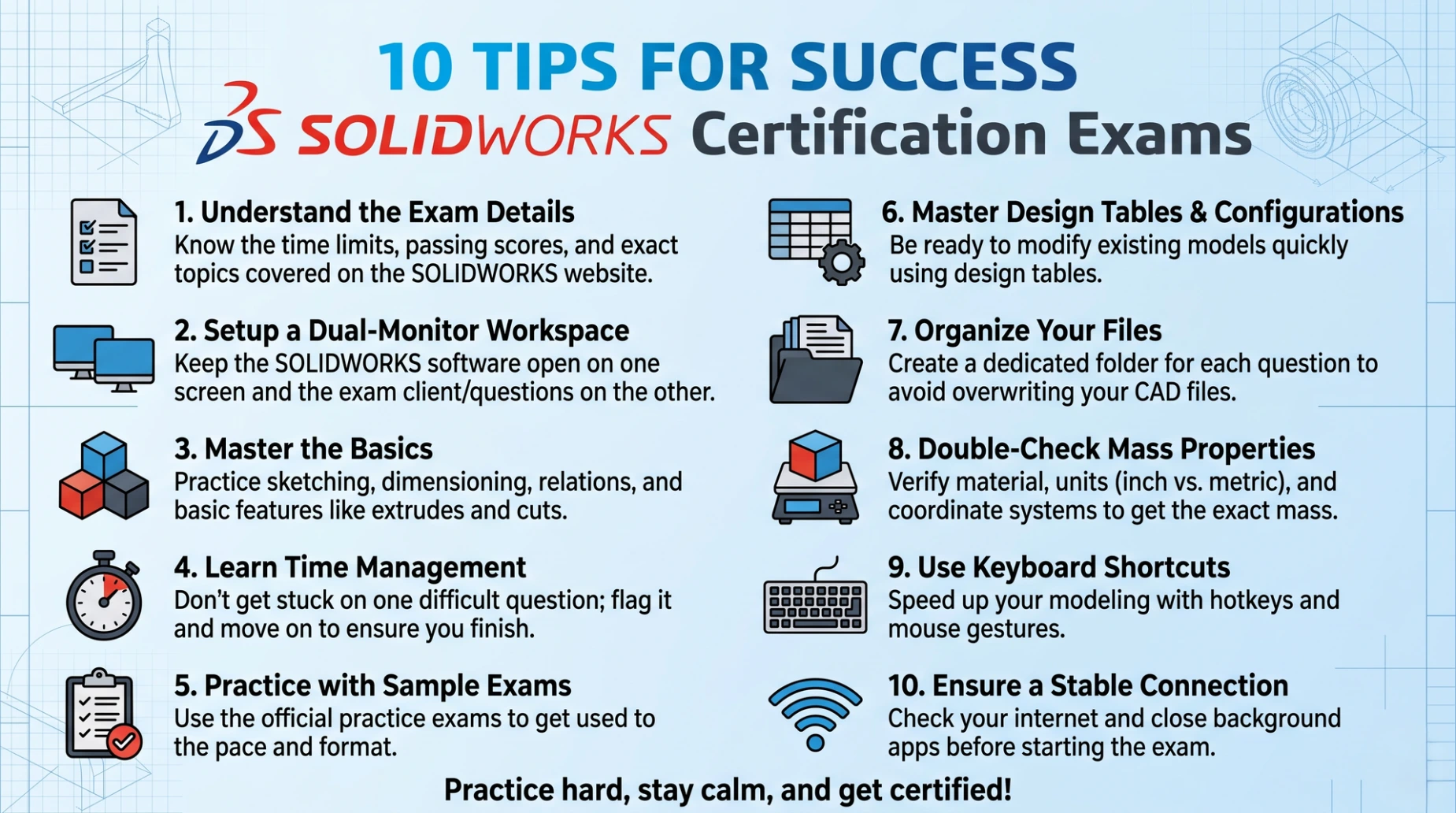
1.Understand the Exam details
know the time limits, passing scores, and exact topics covered on the Solidworks website
2. Setup a Dual-Monitor Workspace
keep the Solidworks Software open on one scree and the exam client/questions on the other
3. Master the Basics
Practice sketching, dimensioning, relations and basic features like extrudes and cuts
4. Learn Time Management
Don't get stuck on one difficult question; flag it and move on to ensure you finish
5. Practice with sample Exams
Use the official practice Exams to get used to Exam the pace the format.
6. Master Design table and configurations
Be ready to modify existing models quickly using design tables
7. Organise your files
Create a dedicated folder for each question to avoid overwriting your CAD files
8. Double check mass properties
Verify material, units and coordinate systems to get the exact mass
9. Use Keyboard shortcuts
Speed up your modeling with hotkeys and mouse gestures
10. Ensure a stable connection
Check your internet and close background