
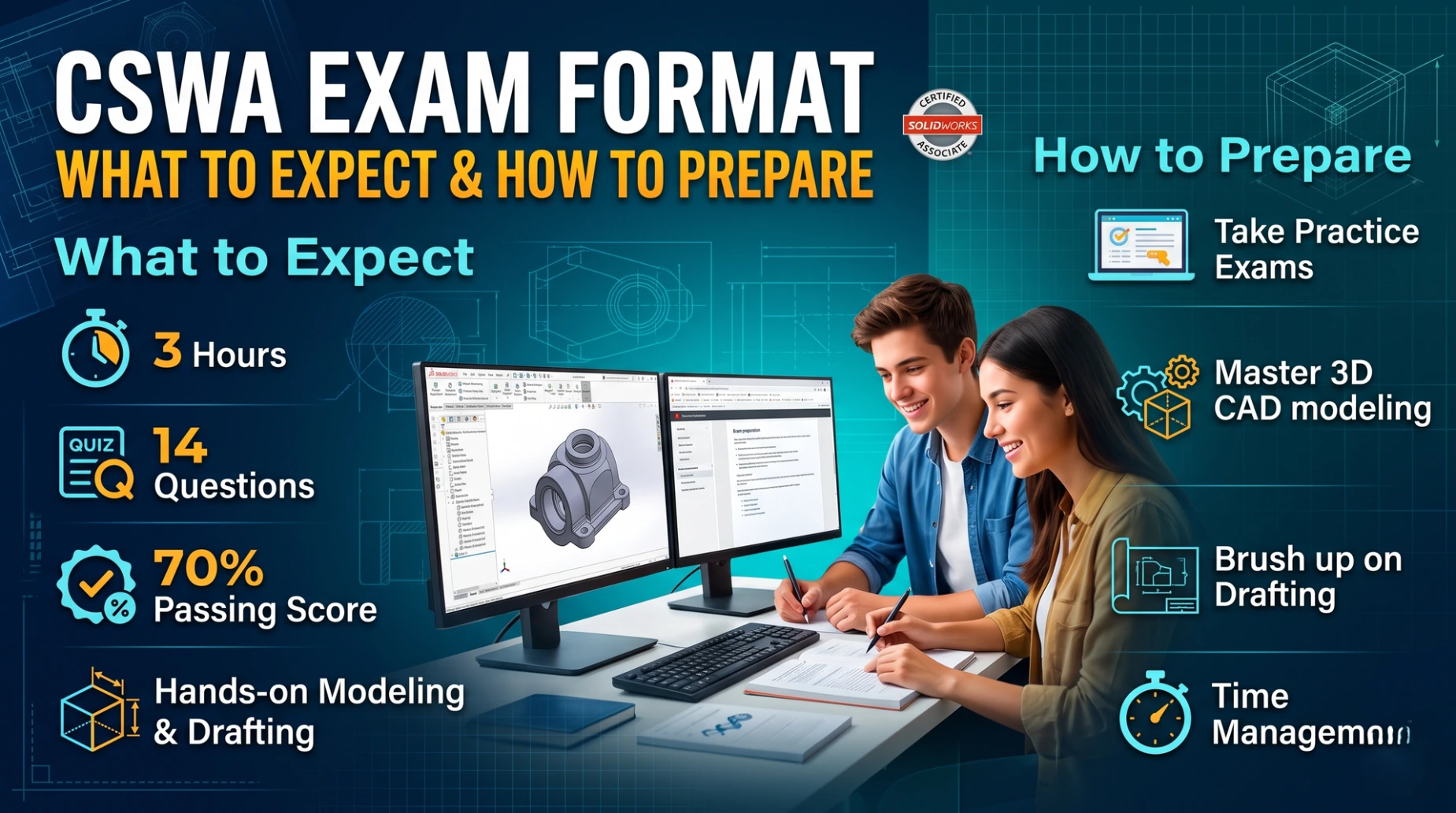
The Certified SOLIDWORKS Associate (CSWA) exam is a 3-hour (180-minute) practical test administered online via the Tangix TesterPro Client. To pass, you must score at least 165 out of 240 possible points (approximately 70%). If you fail, there is a mandatory 14-day waiting period before you can retest.
Exam Structure and Point Breakdown
The 14 questions are divided into five specific categories. Rather than submitting your actual CAD files for grading, you will prove your models are correct by calculating the part's mass or Center of Mass and entering those values into the testing client.
| Category | Questions | Points per Question | Total Points | What to Expect |
| Drafting Competencies | 3 | 5 | 15 | Multiple-choice questions identifying standard drawing views (e.g., Section, Crop, Detail, Broken-out). |
| Basic Part Creation | 2 | 15 | 30 | Build a simple 3D part from a 2D drawing, then modify key dimensions for the second question. |
| Intermediate Part Creation | 2 | 15 | 30 | Requires Revolve Boss, Circular Patterns, or Extrude Cuts, followed by a dimension modification. |
| Advanced Part Creation | 3 | 15 | 45 | More complex geometry requiring Sketch Offsets and multiple Extrude Boss/Cut features. |
| Assembly Creation | 4 | 30 | 120 | Download provided base parts, insert them into an assembly, and apply standard mates (Coincident, Parallel, Distance, Angle). |
How to Prepare
Master Mass Properties: The entire exam grading system hinges on the Mass Properties tool. Practice assigning specific materials (e.g., AISI 1020 Steel, Copper) and checking the overall mass (in grams) and the exact X, Y, and Z coordinates for the Center of Mass.
Learn to Update Geometry: The exam will frequently ask you to update parameters (e.g., "Change A to 50mm"). Practice using the Equation Manager or linking dimensions to global variables so your model updates flawlessly without manual editing.
Understand the Multiple-Choice Check: The first question for any new model is almost always multiple-choice. If your mass calculation does not exactly match one of the multiple-choice options (within a 1% margin), your geometry is flawed. Do not move on to the fill-in-the-blank modification questions until you fix the base model.
Use a Dual-Monitor Setup: If possible, take the exam with two monitors. Keep SOLIDWORKS open on your primary screen and the TesterPro exam window with the 2D reference drawings on the second screen to avoid constantly tabbing back and forth.