Hello Designers and Engineers,
When we create parts in CAD software, everything looks perfect. Lines are straight, edges are sharp, and measurements are exact down to microns. But when these designs reach the shop floor, reality behaves differently. Machines have limitations, materials bend, tools wear out, and nothing is ever truly “perfect.”
In this month’s newsletter, we explore the gap between digital perfection and real-world manufacturing—and how Mechanical Design Engineers can bridge it.
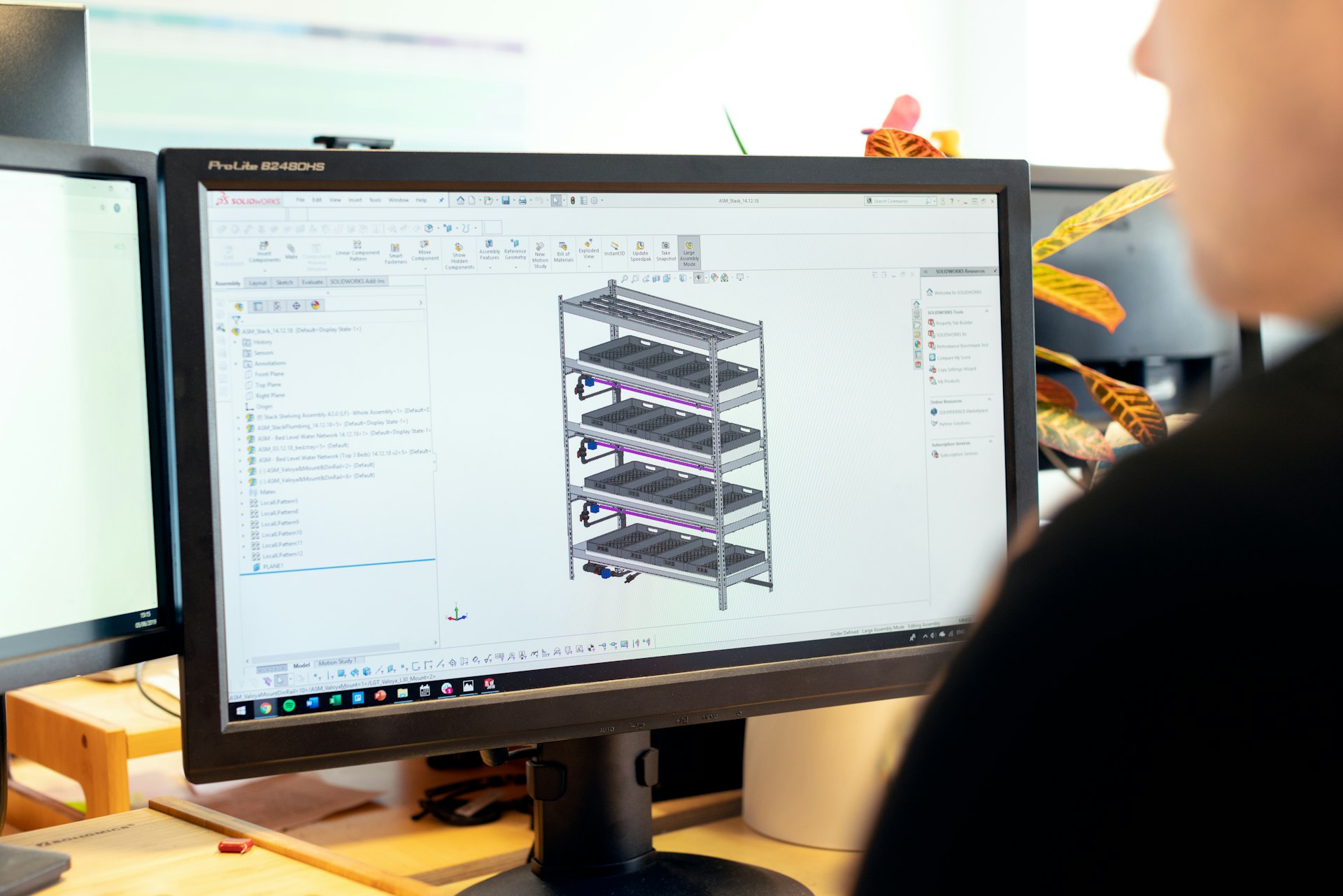 to
to 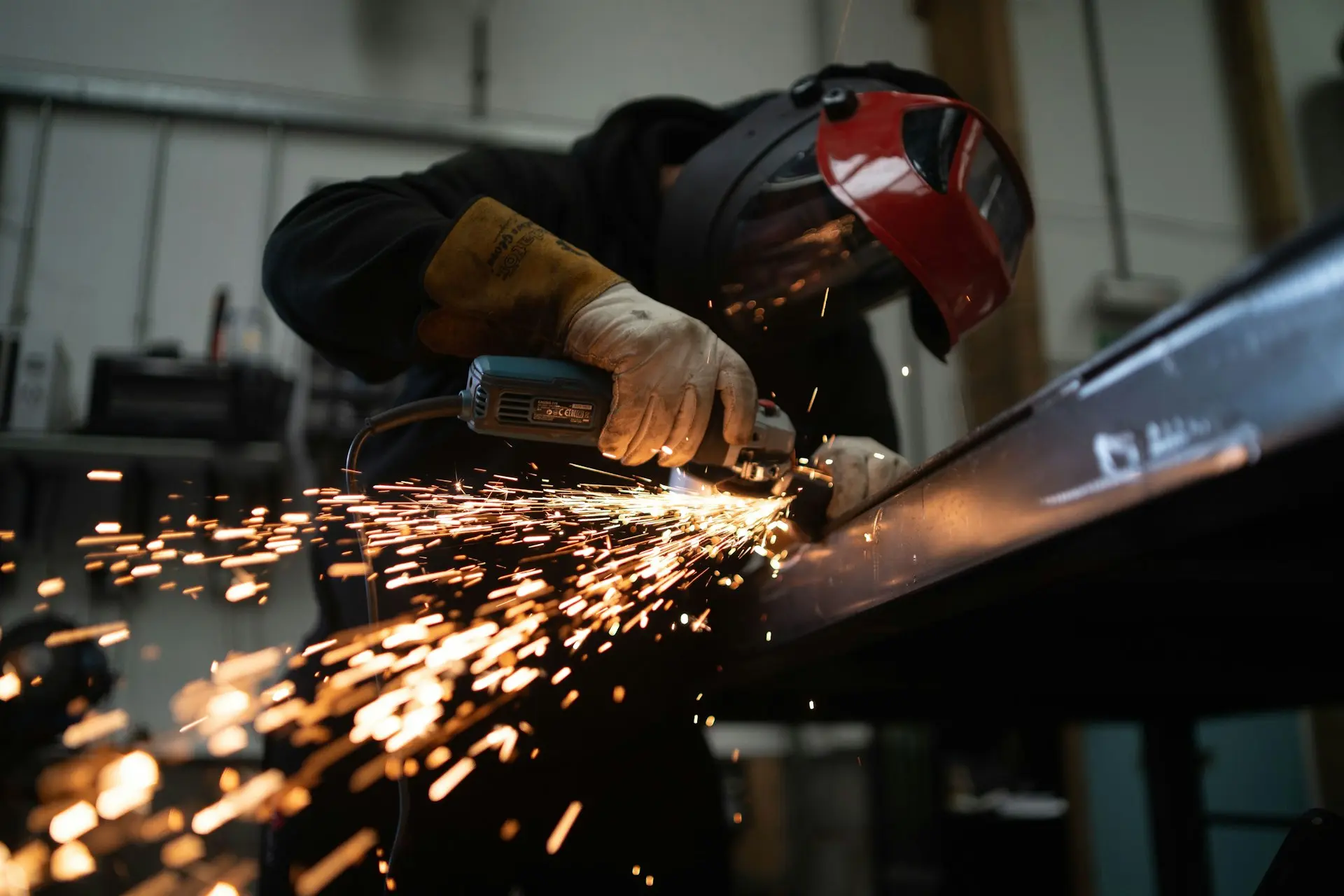
Let's know about the 7 different factors:
1. CAD Is Perfect… But Reality Isn’t
In CAD, you can make:
- perfectly sharp corners
- exact dimensions
- zero-tolerance fits
But in the Manufacturing:
- tools cannot create infinitely sharp corners
- machines have ± tolerances
- materials expand, shrink, and deform
2. Materials Behave Differently in Real Life
In CAD, a material never bends unless you tell it to.
On the shop floor:
- Plastics warp
- Sheet metal springs back after bending
- Aluminum expands when heated
3. Tolerances Matter More Than Dimensions
CAD lets you type any dimension you want.
But in real production:
- Tight tolerances cost more
- Too loose tolerances cause misalignment
- Machine capability limits accuracy
4. Machining & Manufacturing Limitations
CAD doesn’t complain if you design:
- an impossible undercut
- a hole too deep for a drill
- a fillet radius smaller than the tool size
But machinists will complain—and so will your budget.
5. Assembly Challenges
In CAD, everything fits together smoothly like magic.
But in real assembly:
- Human hands need space
- Bolts need tool clearance
- Parts may interfere due to tolerance stack-up
6. Cost vs. Perfection
Perfect CAD designs can cause:
- higher machining time
- expensive tools
- unnecessary precision
7. Communication Is Key
Design is digital.
Manufacturing is physical.
Their worlds collide on the shop floor.
The gap narrows only when:
- designers know manufacturing
- machinists understand design intent
- drawings communicate clearly
How to overcome:
- Design with practical manufacturing limits in mind.
- Always consider the behavior of materials, not just the geometry.
- Use GD&T and choose tolerances based on function, not perfection.
- Check for assembly feasibility, not just CAD fit.
- “Good enough” engineering often saves cost without affecting performance.
-
Talk to your shop-floor team regularly. They are your best critics—and helpers.
These are all the 7 different factors to Explain about the reality from design to manufactuing - product may looks good in design but manufacuring define and shape the true aspects. so learn design related to manufacturing will helps to become design engineer for reality
check out our course - Learn more