Reverse Engineering with Solidworks
Learn reverse engineering in SOLIDWORKS by transforming 3D scans into precise CAD models, boosting design, prototyping, and manufacturing efficiency.
Instructor: Vignesh Ganesan

Enquiry form !
Our team will reach you in 24 hours
Reverse engineering with SolidWorks is widely used in industries such as automotive, aerospace, medical devices, consumer products, and heavy engineering to recreate, modify, and improve existing components.
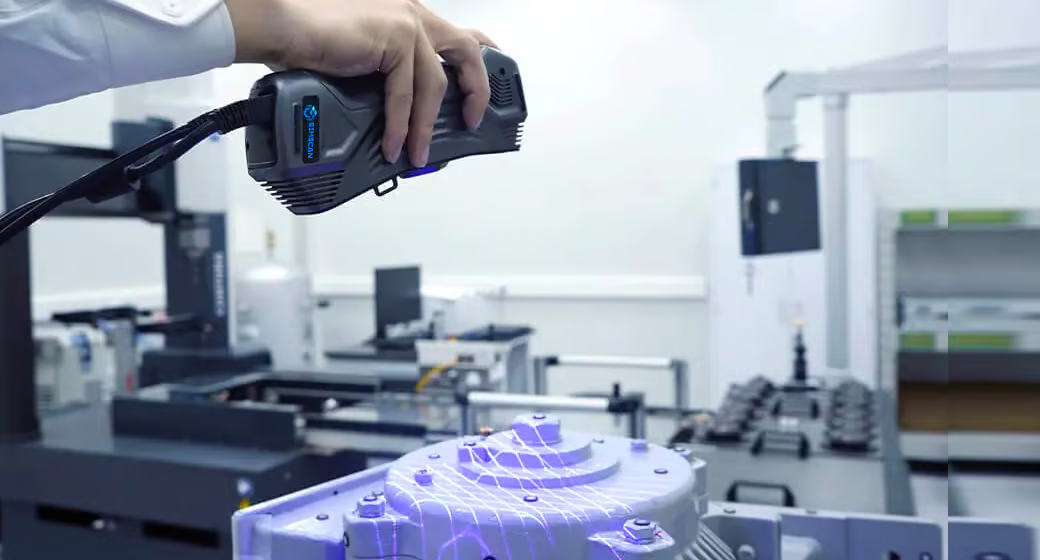
Engineers capture data using 3D scanning and convert it into accurate CAD models for redesign, repair, and product enhancement. Companies like Bosch and Caterpillar Inc. use reverse engineering to reduce development time, support legacy product maintenance, and enable cost-effective manufacturing.
This course explains fundamentals and every tool required to create parametric models, validate designs, and support rapid prototyping, quality analysis, and industrial product development.
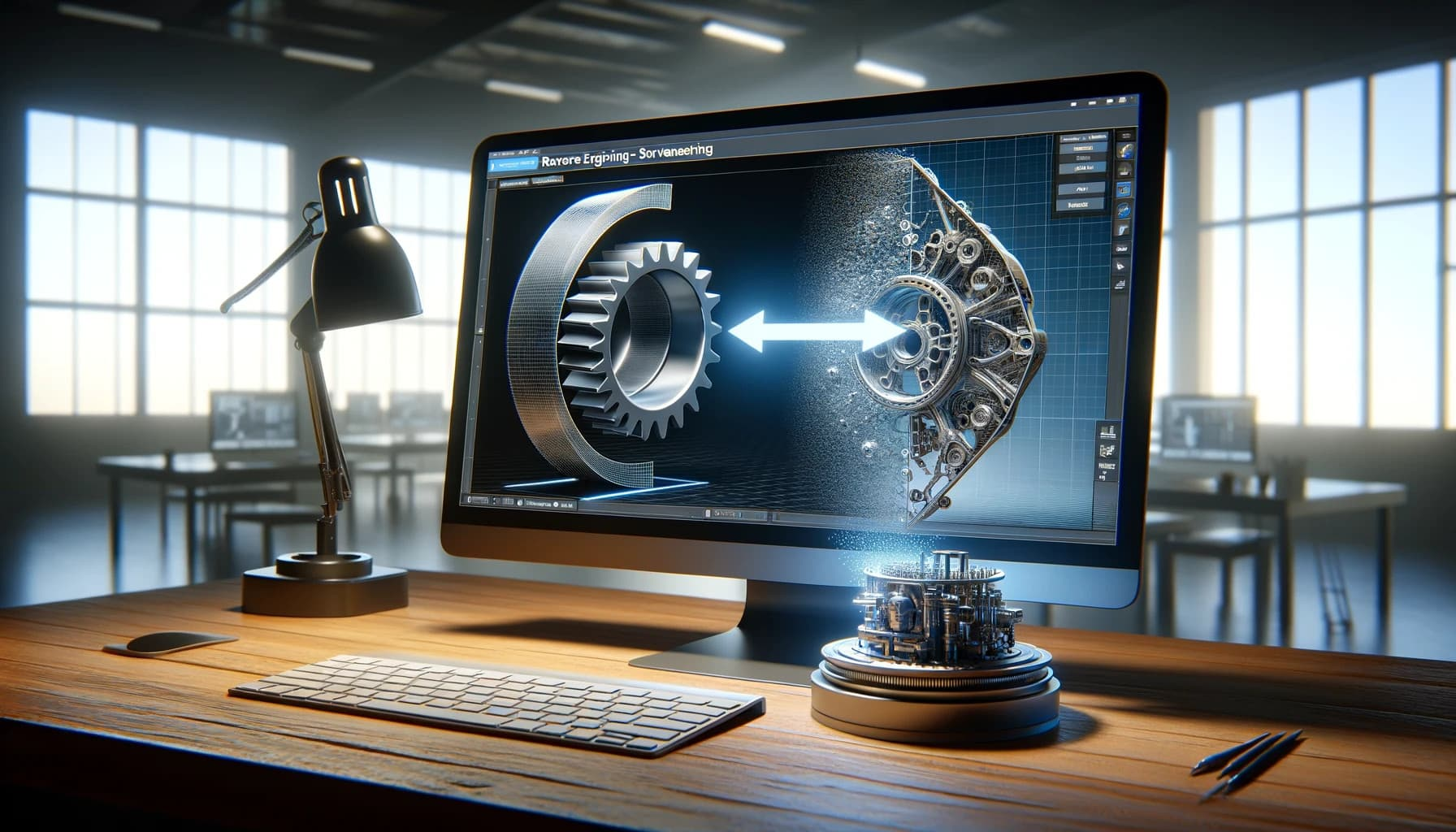
The future scope of reverse engineering is very strong due to growth in digital manufacturing, customization, and product innovation. Industries require skilled professionals for roles such as reverse engineering specialist, design engineer, and product development engineer.
Organizations such as GE Aerospace and Mahindra & Mahindra use these skills for upgrading products and developing competitive solutions. Advancements in 3D scanning, AI-based modeling, digital twins, and additive manufacturing are increasing demand.
This course builds strong fundamentals and tool-based expertise, enabling professionals to work in global industries, startups, and R&D centers, ensuring long-term career growth and innovation opportunities in engineering design.
Course Syllabus
It provides an overview of what you are going to learn.
- About Reverse engineering
- Methods for getting data from an existing model
- Example of How to get info out of an existing model
- Modelling a new product with an imported image
- Using two picture files to model a component
- Converting solid parts from step files
- Unrecognized step file to recognized solid part
- How to get over this and make a new file from an unidentified solid
- Solid part from 3D scanner stl file format
- How to turn a mesh part into a solid part
- How to Extract surface from mesh part
- How to Extract a 3D curve from mesh scaned part
- Procedure for 3D curve extraction from non-mesh part files
- An illustration of surface extraction from a complicated, nonlinear mesh file
- An example of a 3D curve extraction from a complicated mesh file
- Exhaust manifold design
- Alloy wheel Design
- Turbocharger Design
- Piston Design
- Drone arm Design
- Fastner Holder
- Heat Exchanger
- Landing gear
- Asthma Inhaler
- Muscle scraber
- Prosthtic limb
- Syringe Jaw
- Pump Casing
- Shaft coupler
- Turbine blade design
- Valve design
- Pump Impeller
- Turbine Impeller
- Pipe fitting